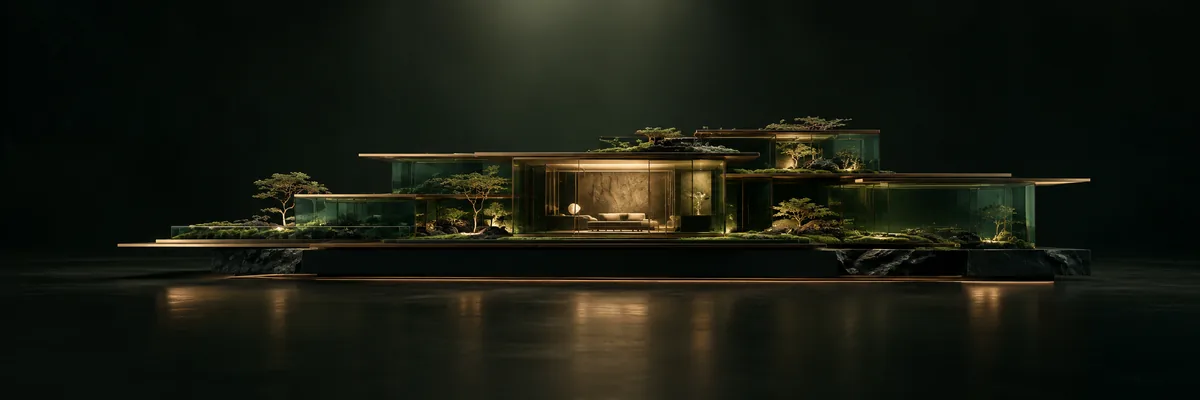
Google · Image models
Nano Banana 2
Use Nano Banana 2 in Pixels Art for text to image, batch images, multi references. Choose the settings for your idea and review points before creating.
- Resolution options
- 1K / 2K / 4K
- Workflows
- Text to image · Batch images · Multi references
- Reference images
- 14
Review current points in Studio before creating.
Start with your idea
- Open Studio and choose your model.
- Add your prompt or upload a source for your workflow.
- Review the settings and points, then create.