
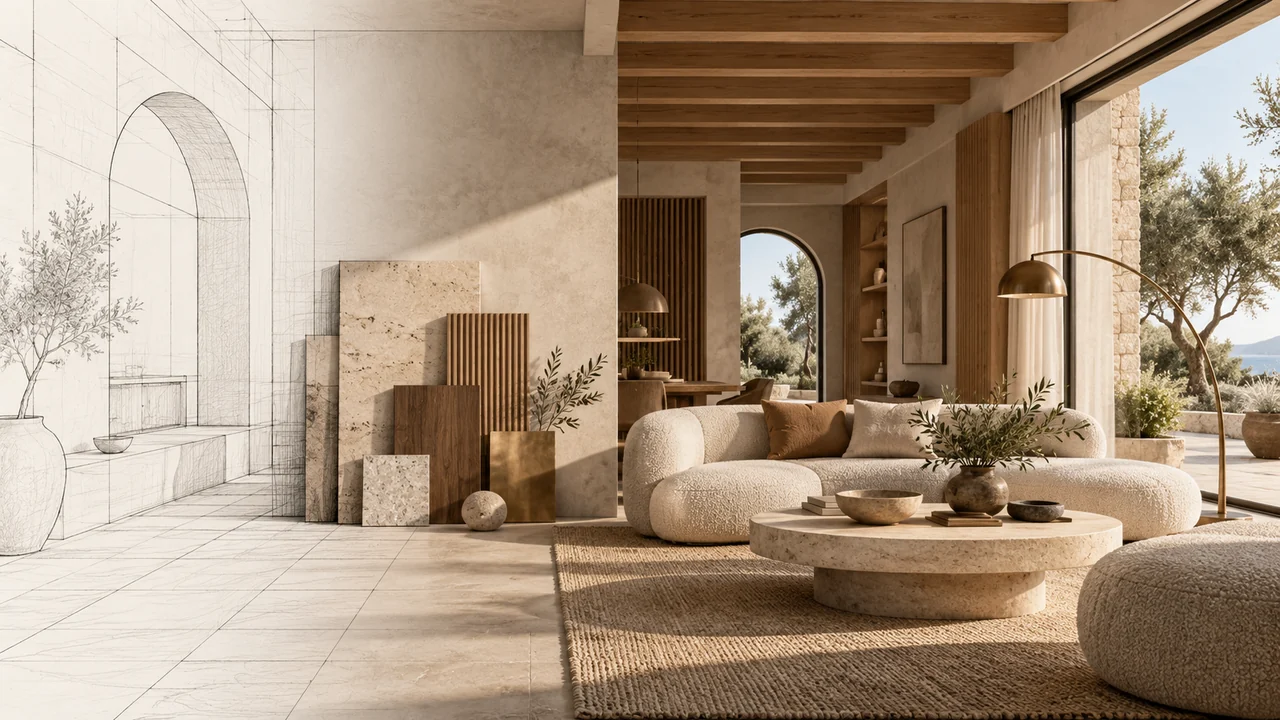
Export the view you want to present
Start with a clear JPEG, PNG or WebP exported from your design software, or a well-lit photograph. Frame the intended camera, remove obstructing interface panels and make openings, edges and material divisions legible. An image export is the input; uploading it does not import an editable CAD or BIM model.
For a plan, identify the room and intended viewpoint. Include known heights and dimensions in the brief where useful. Missing information will be interpreted, so treat the output as a visual concept rather than a measured reconstruction.
Change one variable at a time
Use the same source and a short material-and-light brief when comparing models. Pixels Art can compare up to four compatible image models, with up to ten variations per source–model pairing. Start smaller when one result will answer the question; more variations also mean more outputs to inspect.
Available 1K, 2K and 4K settings depend on the selected model and workflow. Check the offered resolution instead of assuming every model supports every size. Review the server quote and explicitly accept it before generation.
Review structure before surface polish
Use the workspace’s before-and-after comparison to inspect roof edges, opening positions, stairs, railings and camera framing. Then examine material boundaries, reflections and people at the output’s actual size. Instructions to preserve geometry are a brief, not a guarantee of exact reproduction.
- Reject changes to a design-critical opening or proportion.
- Check repeated details and shadow direction across the frame.
- Keep the source and chosen settings with the selected result.
Budget for the whole workflow
Record preparation, queue, generation, download and review separately. Model choice, output size and batch size affect the work; one fast result does not establish a fixed completion time. For a deadline, leave room for a corrected brief and another inspected result rather than assuming the first image is presentation-ready.
Before you try
Does a larger output fix incorrect geometry?
No. More pixels can make details easier to examine, but they do not establish design accuracy. Correct the source or brief and review a new result when an important detail changes.
Can I promise a client an exact rendering time?
Do not base a delivery promise on a single generation. Allow for availability, queueing and architectural review, and agree on the required deliverable before choosing settings.
Continue exploring
Sources and product documentation
Open Studio
Prepare architectural image exports, compare compatible models and inspect geometry, materials and timing before presenting an AI render.