
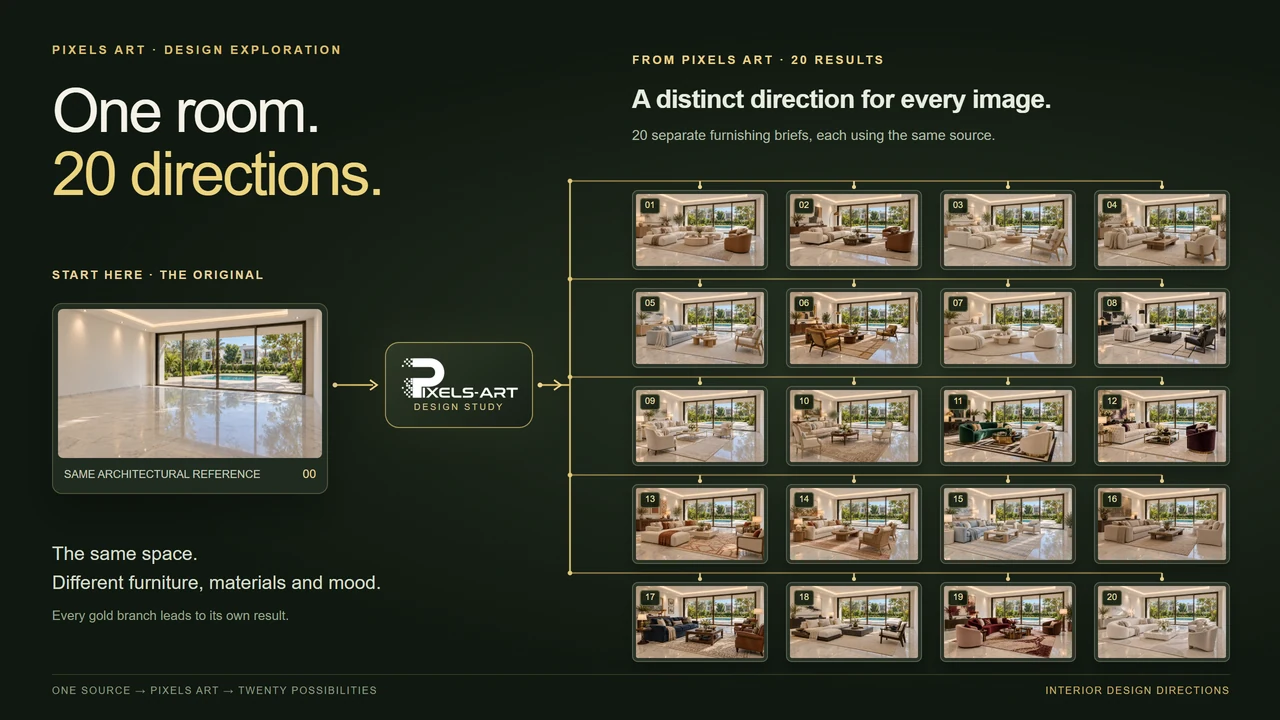
State what stays and what changes
Use a room photograph or exported model view with readable corners and openings. Name the room’s purpose, the intended furniture and the circulation route that must stay clear. List fixed elements such as glazing, ceiling height and the camera separately from the finishes you want to explore.
For a hypothetical Cairo apartment brief, compare a pale floor and compact seating while retaining the balcony doors. For a hypothetical US home-office brief, test desk placement and screen glare near a window. These are planning examples, not completed Pixels Art projects or claims about every home in either market.
Separate a material decision from a lighting decision
Keep the camera and furniture brief steady while comparing two finish directions. Then test lighting on the preferred direction. Describe a purpose—soft daylight for material review or warm evening light for atmosphere—rather than combining incompatible times of day.
Check that dark materials still show detail and that glossy surfaces do not conceal joints or produce implausible reflections. An appealing image does not confirm the availability, specification or installed cost of a depicted material.
Choose how the images should work together
Batch applies a shared instruction to independent source images. MultiRefs combines reference images within one request. Style Batch uses a shared style reference across independent targets. Choose according to the relationship between the images, rather than treating every upload as another view to merge.
For a local revision, the editable visual guide helps communicate the area and intended change. It is guidance, not an exact pixel mask; inspect nearby furniture, trim and shadows afterward.
Review the room as a usable space
Compare the selected result with the source before presenting it. Inspect door access, seat scale, furniture overlaps and window positions, then check switches, artwork and repeated details. Use measured drawings for clearances and procurement decisions. Review and explicitly accept the current server quote before another generation; keep the successful source and brief for the next revision.
Before you try
Can I start without a 3D model?
Yes, a room photograph can be a starting image. The result interprets what is visible; it does not recover hidden dimensions or replace a measured survey.
Will a local edit leave every other pixel unchanged?
Do not assume that. A visual guide communicates intent, and the generated result still needs comparison with the original, including the area around the requested change.
Continue exploring
Sources and product documentation
Open Studio
Build an interior rendering brief from a room photo or model view. Compare furniture, light and finishes while checking layout and openings.