
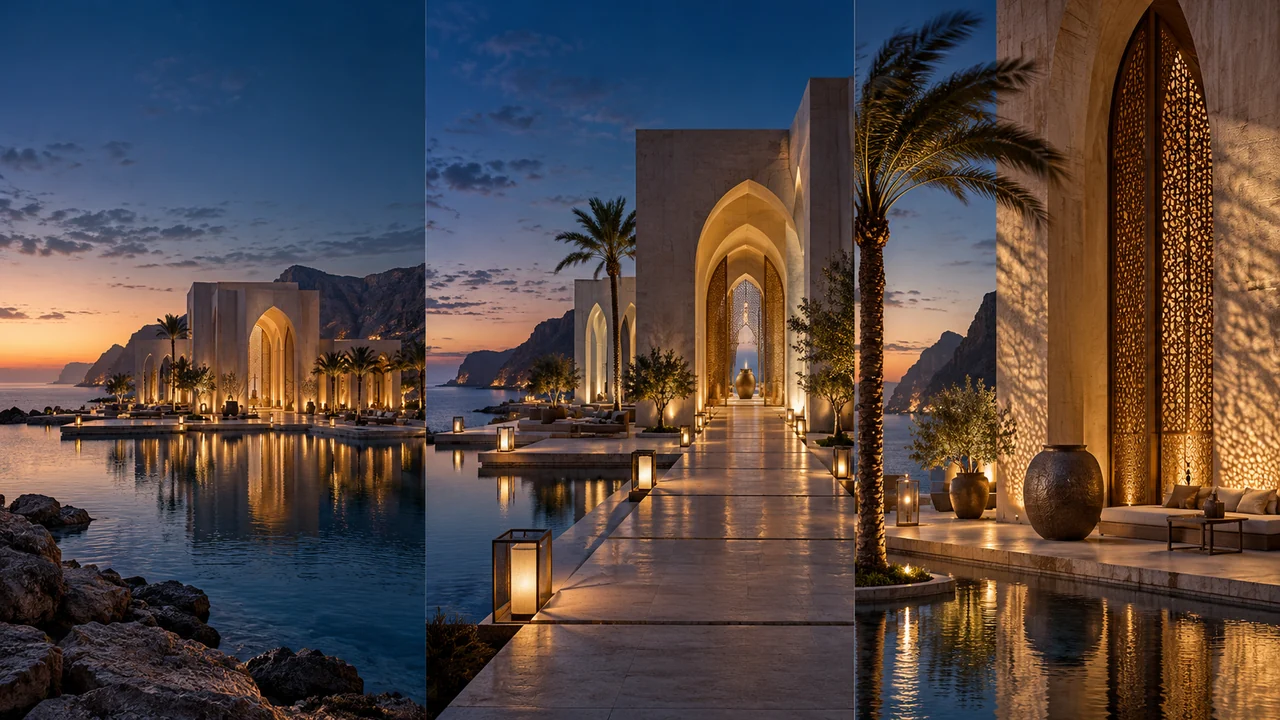
An architectural still already carries a lot of decisions: composition, materials, light and the relationship between spaces. For image-to-video, begin with the movement you want to add. A slow approach to a courtyard entrance asks something different from drifting past a shopfront or revealing a product on a table.
Choose a starting frame worth animating
Select a still whose visible design you are ready to present. Inspect small details before animating it: distorted railings or unclear glazing in the source can become distracting in motion. Choose the aspect ratio for the intended presentation and review what remains visible in the frame.
In Pixels Art’s image-to-video workflow, each start frame represents an independent clip source. You can select up to four compatible video models and up to ten variations per source and model. Available duration, resolution and frame options depend on the selected model and exact settings; use the controls shown in Studio.
- 01Starting frame
Lock the composition and important design features.
- 02Motion
Choose one camera move and subtle environmental motion.
- 03Clip settings
Use the duration, resolution and optional end frame the model supports.
Give the camera one clear job
A motion prompt is easier to judge when it names a primary movement: a gentle forward push, a short lateral move or a restrained orbit. Then add limited scene movement if useful, such as leaves moving slightly in a breeze. Keep the building, furniture and other fixed elements explicitly stable.
For a shaded terrace in Riyadh, moving foliage may support the atmosphere. For a ceramic object photographed in Copenhagen, a small camera move might reveal its surface. The subject and purpose should determine the motion; combining several large movements can make the brief harder to interpret.
Make a slow, steady forward camera push toward the existing courtyard entrance, with level framing and gentle parallax. Preserve the building, openings, materials and daylight. Allow only slight leaf movement. Keep the path clear, with no new people, text, objects or scene cuts.
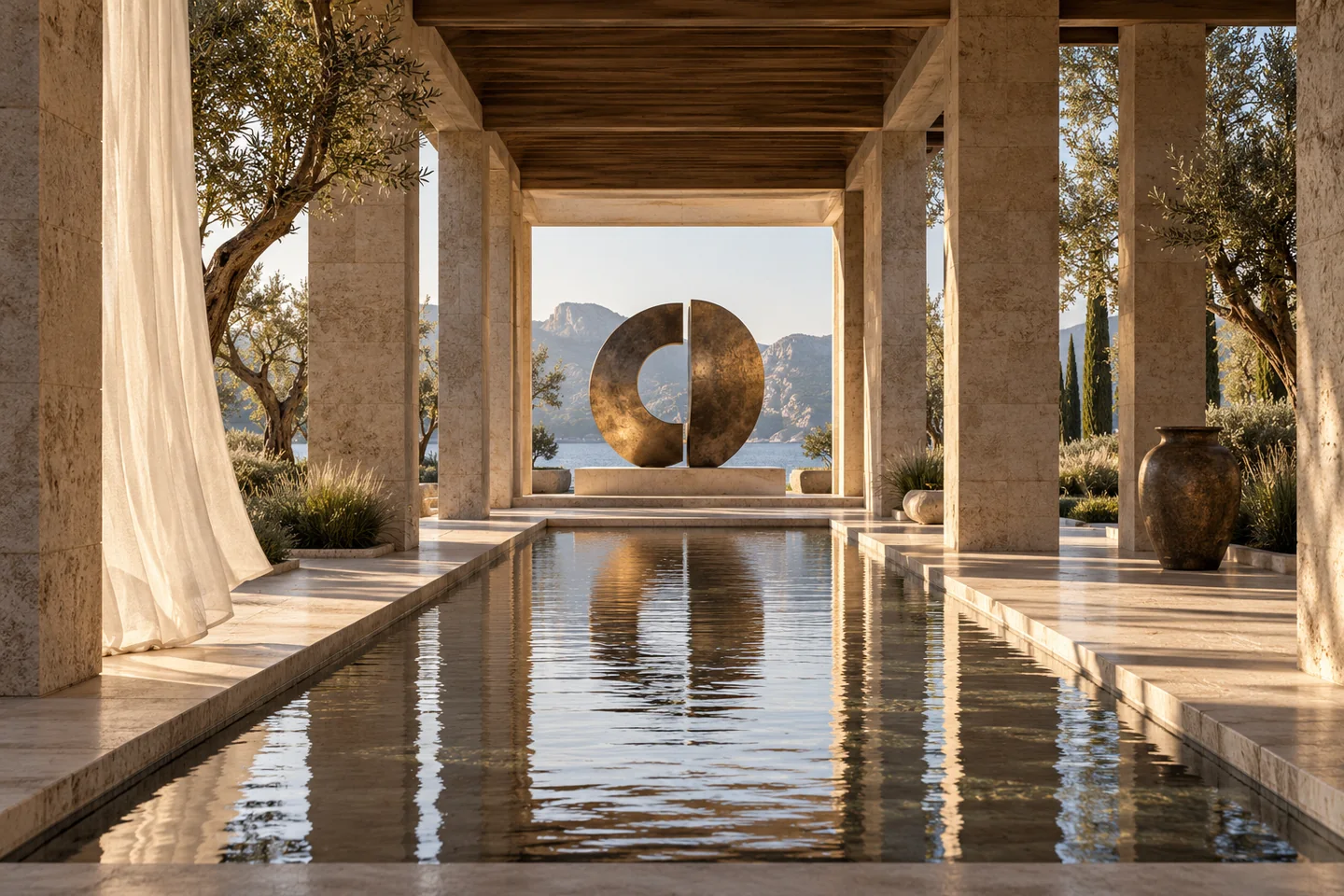 Starting-frame concept
Add an end frame when the destination matters
An optional end frame can guide where a clip finishes. In the app, it belongs to its own start frame, so a batch can keep each pair organised. Add one only when every selected model supports end frames with the chosen settings. If that combination is unavailable, select compatible settings or remove the end frame before requesting a quote.
Choose a plausible destination with consistent architecture, materials and lighting. A small change in camera position is easier to describe coherently than two unrelated scenes. An end frame guides the model; it does not define a measured camera path or guarantee how every intermediate frame will look.
Review the clip set before confirming
Count start frames × models × variations. Two start frames, two models and two variations request eight clips. The app queues clips individually with controlled submission; the total is not a count of simultaneous provider runs. Keep the workspace open while uploads and pending submissions complete.
- Upload your start frame and choose the image-to-video workflow.
- Set compatible models, duration, resolution and variations; add a supported end frame to the correct source if needed.
- Read the motion prompt once more, then check the clip count and exact points in the quote before confirming.
- Review completed clips for camera movement, architectural stability, material drift and unwanted additions before downloading your choices.
Change one instruction at a time
If the result feels too restless, simplify the prompt: keep the main camera move and remove secondary actions. If the destination is unclear, reconsider the end frame. Keep the useful still and successful wording as your reference, then compare a small number of variations rather than changing every setting together.
Sources & further reading
Model facts are linked to primary documentation. App controls depend on the selected model and settings.


A space for thoughtful feedback.
Questions, useful details and new ideas are all welcome.
Reader reviews
No published reviews yet. Your perspective could be the first.