
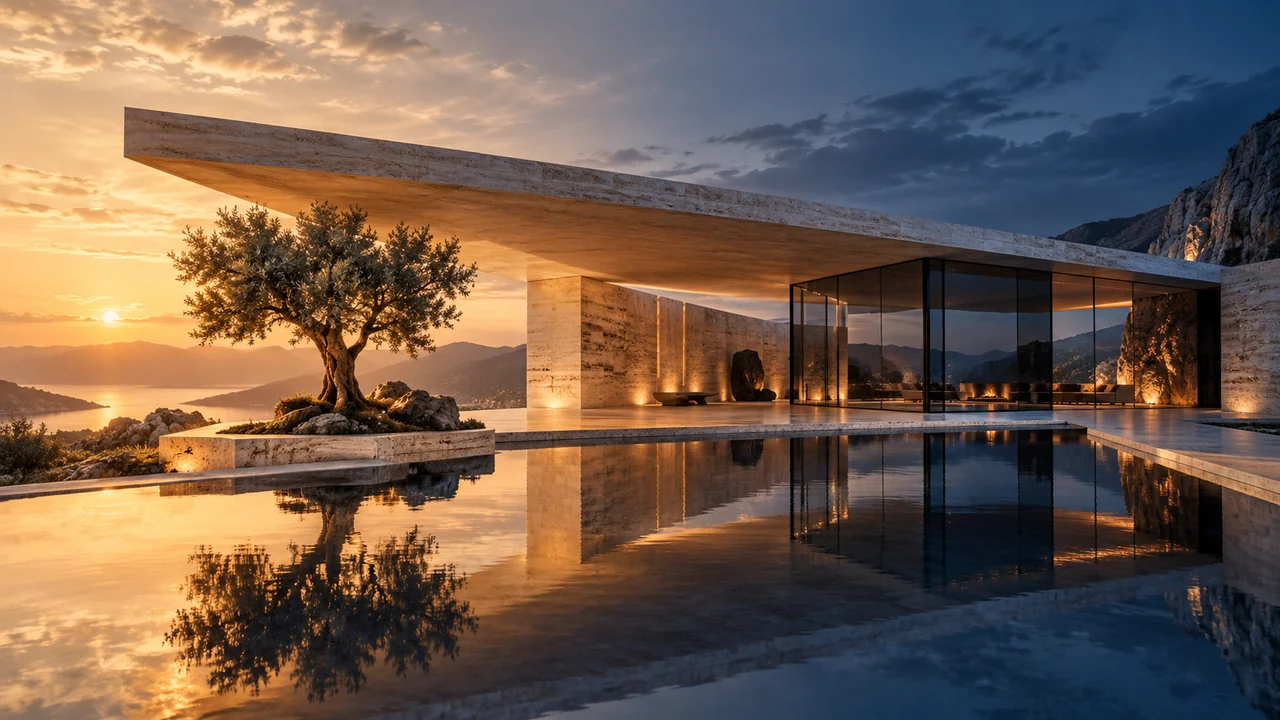
A convincing architectural image needs more than attractive light. Your entrance should stay in the right place, window spacing should make sense, and limestone should read differently from painted plaster. When choosing between Nano Banana and GPT Image, make those project requirements your comparison criteria.
Start with the exact model name
Nano Banana and GPT Image refer to model families with different versions. Record the exact label shown in Studio, such as Nano Banana 2.1 or GPT Image 2.5 Sunburst when available. A finding about one version should not become a claim about every model in that family.
Official documentation describes image generation and editing capabilities, but those descriptions do not establish an architectural winner. Pixels Art provides the source, prompt and comparison controls; the selected model interprets your request. Available settings in Studio determine what you can request through the app.
- 01One source
Use the same exported view or reference image.
- 02One brief
Keep the material, light and camera instructions fixed.
- 03Separate results
Inspect geometry and details; do not treat an illustration as a benchmark.
Keep the brief consistent
Choose one source that represents the work you actually do: a courtyard house in Riyadh, a brick apartment building in London or a café interior in Amman. Use a view with readable openings and materials. Avoid comparing a clean model export with a compressed photograph; the source itself changes the task.
Separate what must stay from what may change. For example, preserve the building silhouette, camera and entrance while requesting warmer masonry and softer daylight. If one result invents another floor, a beautiful sky should not compensate for that design error.
Create a realistic architectural visualization from this source. Preserve the camera, building massing, openings and entrance. Use pale honed limestone, dark bronze frames and soft morning daylight. Keep planting within the existing beds. Do not add floors, openings, signage or people.
What are you looking for?
Check openings, furniture scale and camera position against the source. A beautiful image can still change the design.
Inspect grain scale, joins, texture continuity and reflections. Keep the finish schedule constant when comparing.
Look for contact shadows, readable window light and believable exposure; avoid judging brightness alone.
Zoom in on signage, edges and small objects. Choose the model/settings that suit this particular task.
A review checklist, not a score or ranking of model performance.Compare a small, traceable set
Studio allows up to four compatible image models and up to ten variations per source and model. Two models with one variation each make a useful first comparison. Select comparable aspect ratios and supported resolutions; an identical tier label alone does not prove identical output dimensions or settings.
- Upload the same source, choose a supported image workflow and paste one shared prompt.
- Select the exact models and review each model’s available resolution, aspect ratio and quality controls.
- Check the output count and exact points in the quote before confirming. Jobs enter a controlled submission queue.
- Compare every result with the original, then inspect the same details at a similar viewing scale.
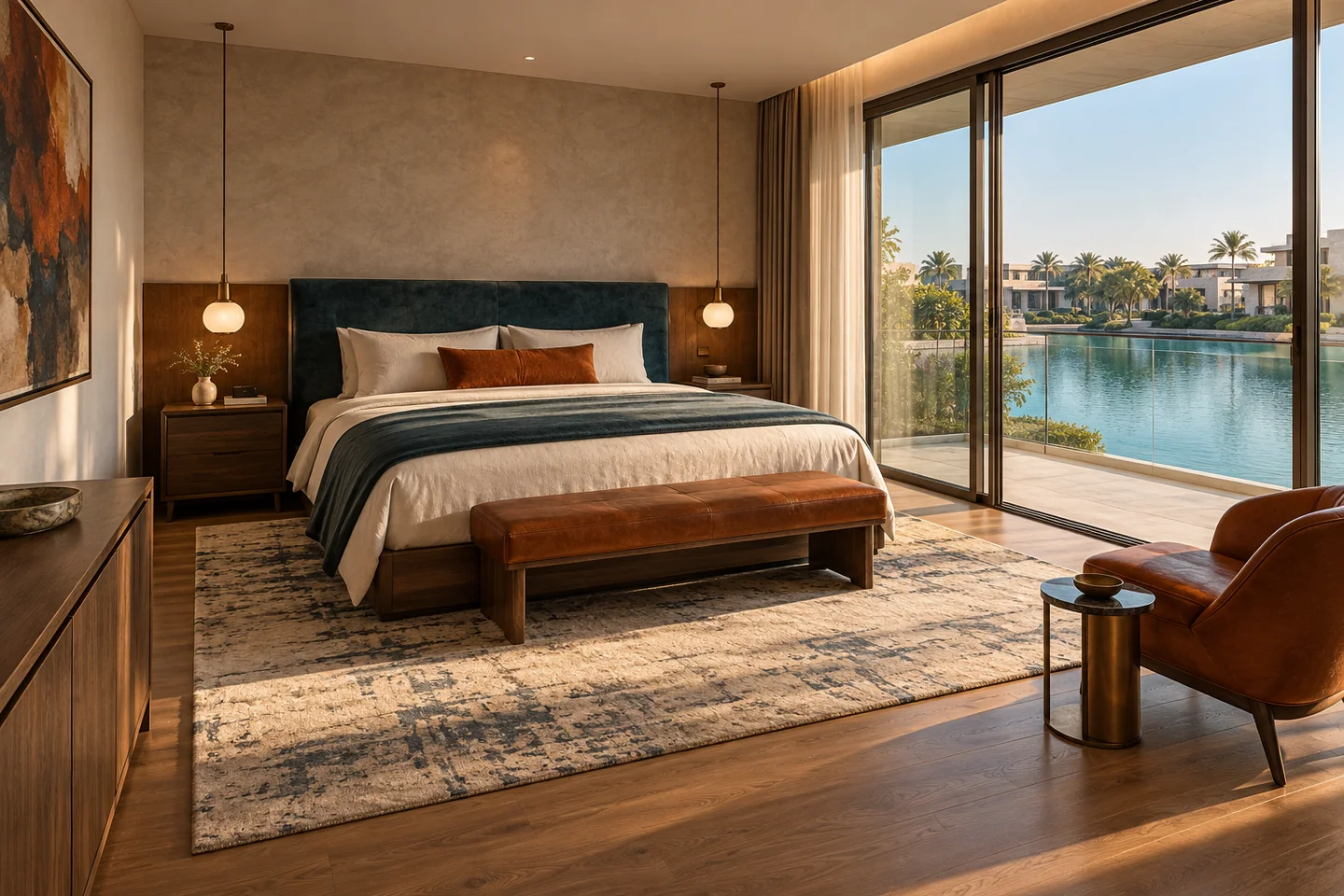 Rendered bedroom concept
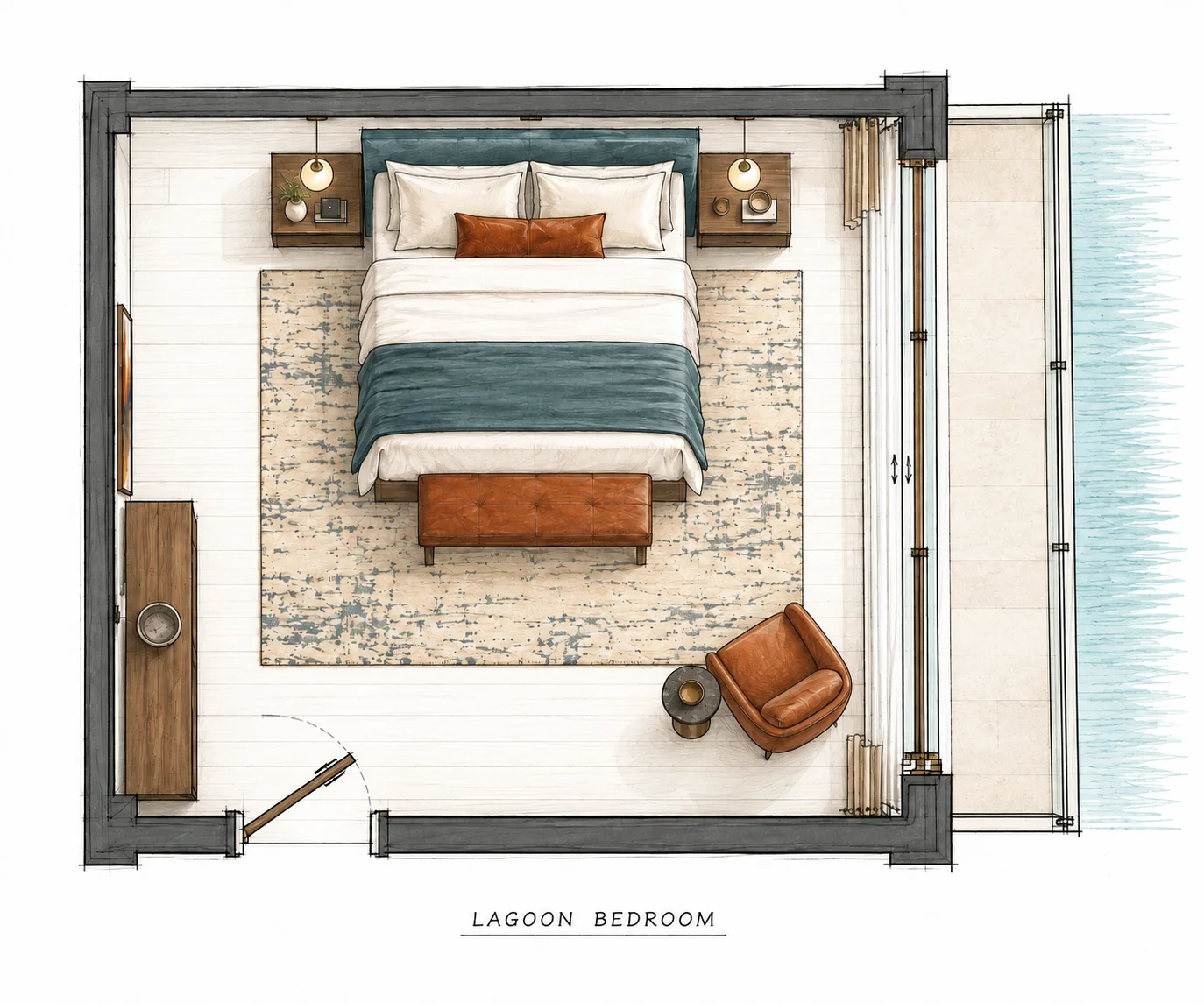 Hand plan derived from the view
Judge the image against the task
Review geometry first, then material placement, lighting and the specific instruction you asked the model to follow. Look closely at balcony edges, glazing reflections, paving joints and repeated elements. An image can feel photographic while quietly changing the architecture.
One variation is a sample, not a benchmark. If the initial direction is useful, request a small equal number of further variations for each model. Record recurring issues alongside successful details. This makes the next decision more useful than choosing whichever thumbnail looks brightest.
Finally, choose for the deliverable. A material discussion may favour a restrained view with readable finishes; a concept presentation may need a stronger atmosphere. Keep the exact model label, prompt and settings with your selected image so later comparisons have a clear reference.
Sources & further reading
Model facts are linked to primary documentation. App controls depend on the selected model and settings.


A space for thoughtful feedback.
Questions, useful details and new ideas are all welcome.
Reader reviews
No published reviews yet. Your perspective could be the first.