
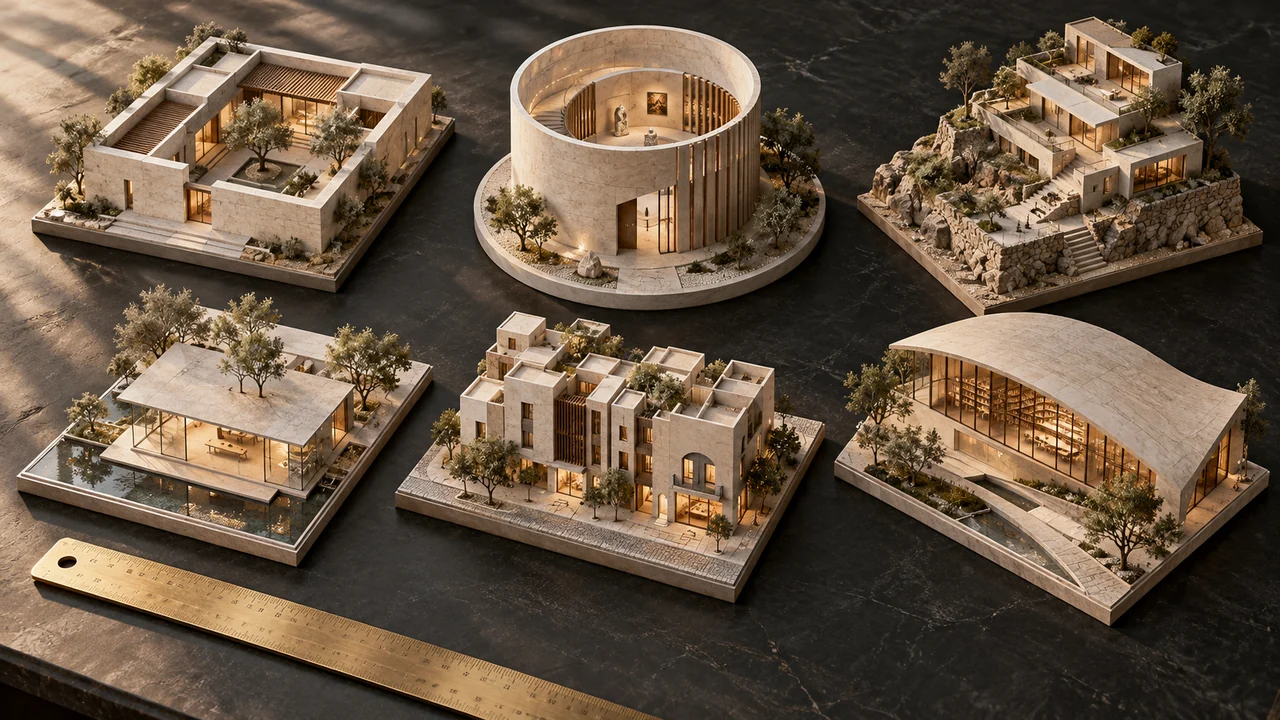
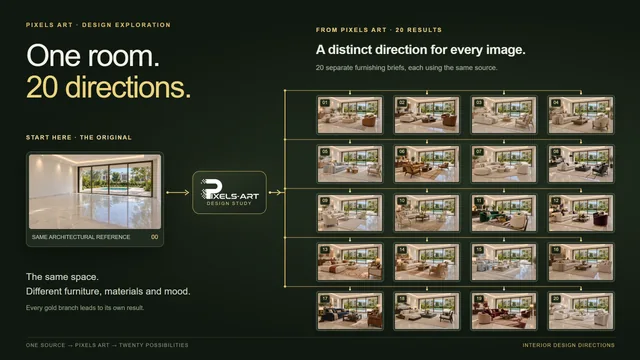
Suppose you have twenty views of a hotel: entrances, guestrooms, a lobby and courtyard corners. You want a consistent direction without writing twenty unrelated prompts. A batch gives those sources the same written brief, while each image remains a separate starting point for the selected model.
Group sources that share a brief
Begin by checking what the images have in common. Twenty exterior views can share a daylight and material instruction. A mixed set of kitchens, façades and product photographs may need separate batches because the same finish instruction can mean very different things across those scenes.
Pixels Art accepts up to thirty image sources in a batch. Batch mode treats each source independently; it is different from combining references into one result. Use combined references only when you want the model to consider several images together and the selected model supports that workflow.
- 013 source images
Each source is processed independently.
- 022 compatible models
Both use the shared prompt.
- 035 variations
Five outputs for each source/model pair.
Calculate the set before you submit
The working formula is sources × selected models × variations. Twenty sources with one model and one variation produce twenty requested outputs. Three sources with two models and five variations produce thirty. Increasing one control multiplies the whole set, so check the total before adding more options.
You can select up to four compatible image models and up to ten variations per source and model. Those are app controls, not a promise that every model supports every resolution or reference combination. Review each selection and the exact points shown in the quote before confirming.
- 20 sources × 1 model × 1 variation = 20 outputs for a project set.
- 3 sources × 2 models × 5 variations = 30 outputs for exploring alternatives.
- A variation adds another result; it does not create a linked camera view or a coordinated design revision.
Try the output count
Requested outputs = source images × compatible models × variations. Example: 3 × 2 × 5 = 30 outputs.
Planning arithmetic only. No images are uploaded or generated here, and this does not calculate points. Exact choices depend on the selected model. Editorial planning illustration
Keep submission and review organised
Use recognisable filenames before uploading: building, view and revision are usually enough. Keep Studio open while files upload and work waits to be submitted. Outputs enter a controlled queue individually; thirty requested outputs do not mean thirty simultaneous provider runs. Some results may finish while others are still waiting.
- Check source names, selected models, settings, variations, output count and points before confirmation.
- Review completed images against their own originals, then compare the set for repeated material or lighting issues.
- Shortlist useful alternatives and download them with source and revision labels.
- Open History to find accepted jobs and available results; save selected files promptly because download links may expire.
Sources & further reading
Model facts are linked to primary documentation. App controls depend on the selected model and settings.


A space for thoughtful feedback.
Questions, useful details and new ideas are all welcome.
Reader reviews
No published reviews yet. Your perspective could be the first.