
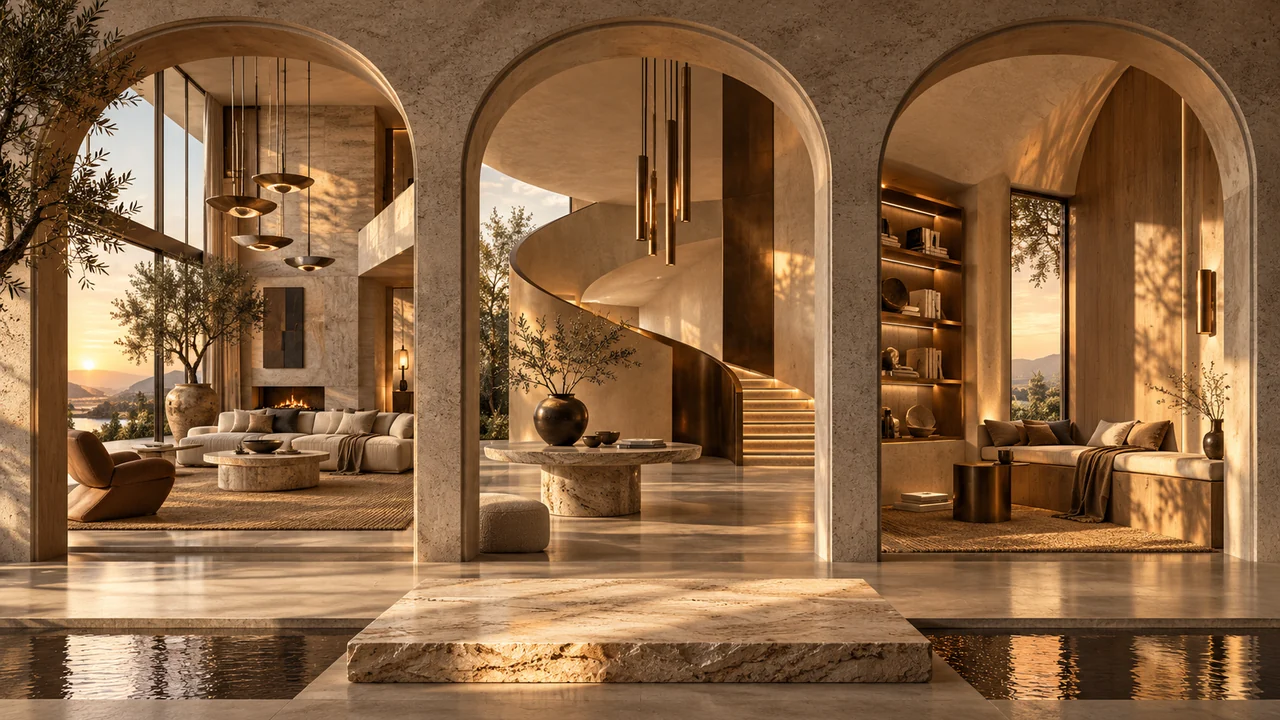
You have several views of a project and one reference that captures the atmosphere you want. Style Batch applies that reference independently to each target. It does not combine the targets into one scene, and it does not ask the model to copy the reference building. The useful starting point is deciding which visual qualities should travel between images.
Separate the target from the style
Add one shared style reference and between one and twenty-nine target images. The reference must be separate from the targets. Each generated request receives a two-image pair: the clean target first, then the same shared style image. The target remains the authority for camera, perspective, framing, geometry, layout and object placement.
Choose palette, lighting, material appearance and photographic treatment selectively. Material appearance concerns surfaces within existing boundaries; it does not authorise a new building shape. The compiled instruction excludes the reference scene’s objects, people, text, logos and composition.
- 01Input 1 · Target
Preserve its geometry, objects and camera.
- 02Input 2 · Style
Borrow palette, material character and light, as requested.
- 03Repeat per target
Use the same style reference with each separate source.
Check the exact model and settings
Style Batch needs a compatible two-reference profile for the selected resolution, ratio, quality, format and controls. A model name or a large reference allowance alone is insufficient. Choose an explicit aspect ratio; Match source is not available for this workflow.
Use the models offered in Studio for your exact two-reference settings. Model families and available versions change; a catalog name alone does not confirm support for Style Batch. If a model is unavailable, review its compatible settings before changing your creative brief.
Try the output count
Requested outputs = source images × compatible models × variations. Example: 3 × 2 × 5 = 30 outputs.
Planning arithmetic only. No images are uploaded or generated here, and this does not calculate points. Exact choices depend on the selected model.Transfer only what you need
Subtle, balanced and strong are written style-influence instructions, not native numeric model parameters. Start with the aspects that matter to the project. For example, transfer soft light and neutral colour treatment while retaining the target’s materials. The optional shared prompt can clarify the goal without repeating every preservation rule.
Transfer the reference’s soft side lighting and restrained warm colour treatment. Preserve each target’s camera, geometry, material boundaries and objects. Keep existing stone and metal identities. Do not copy reference furniture, planting, text or logos. Return one clean image of each target.
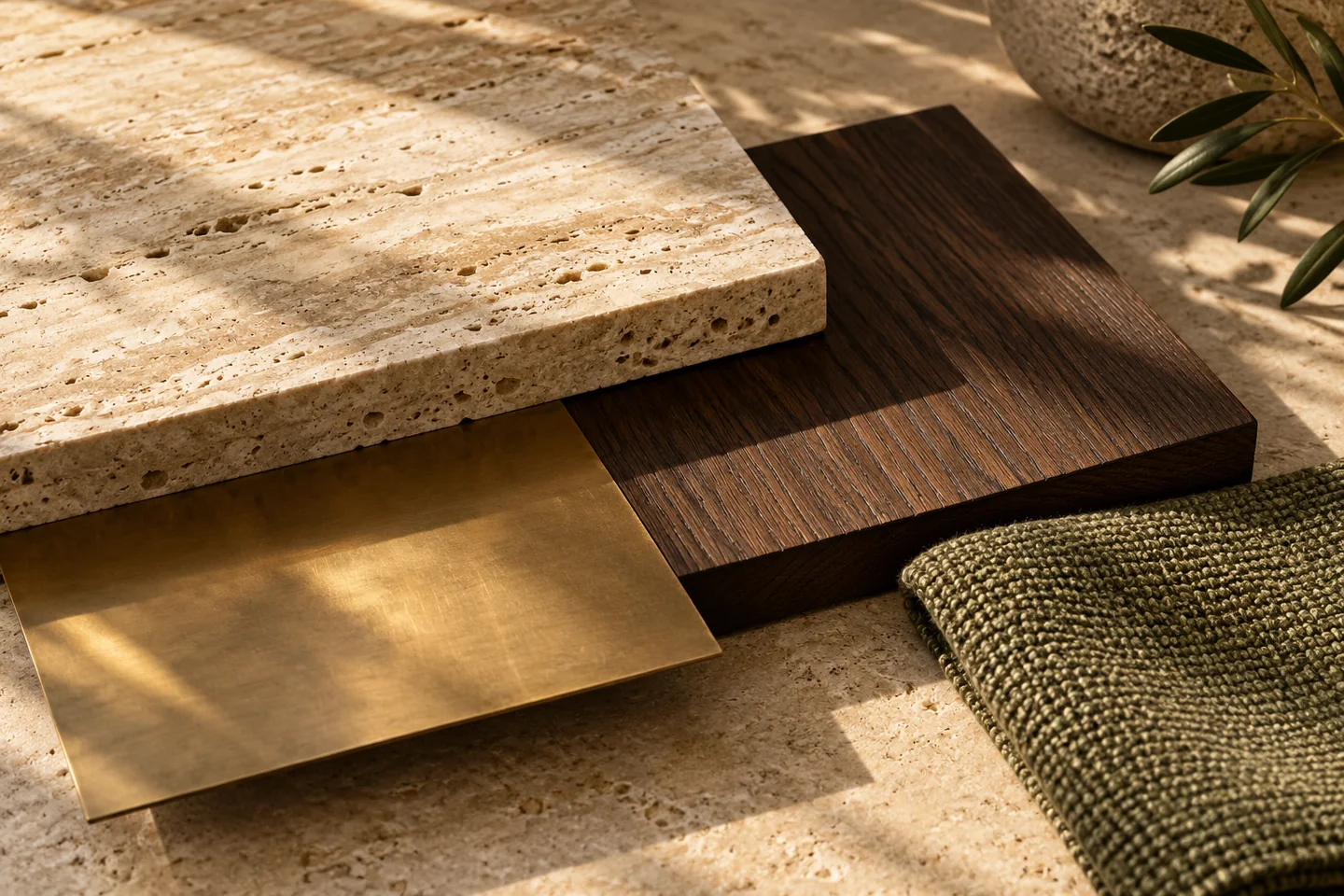 Palette and material reference concept
Count targets, then review continuity
Requested outputs equal targets × selected models × variations. The shared style image is not another target: four targets with two models and one variation request eight outputs. Review the quote before confirming.
Inspect every result against its own source, then compare the set together. Shared guidance encourages a related direction but does not lock colour, geometry or finish perfectly across independently generated images. Adjust a specific aspect when a result drifts rather than assuming stronger influence will improve everything.


A space for thoughtful feedback.
Questions, useful details and new ideas are all welcome.
Reader reviews
No published reviews yet. Your perspective could be the first.